Don’t Overlook Smart Home Devices at Closing: Digital Key Issues Both Sellers and Buyers Should Know
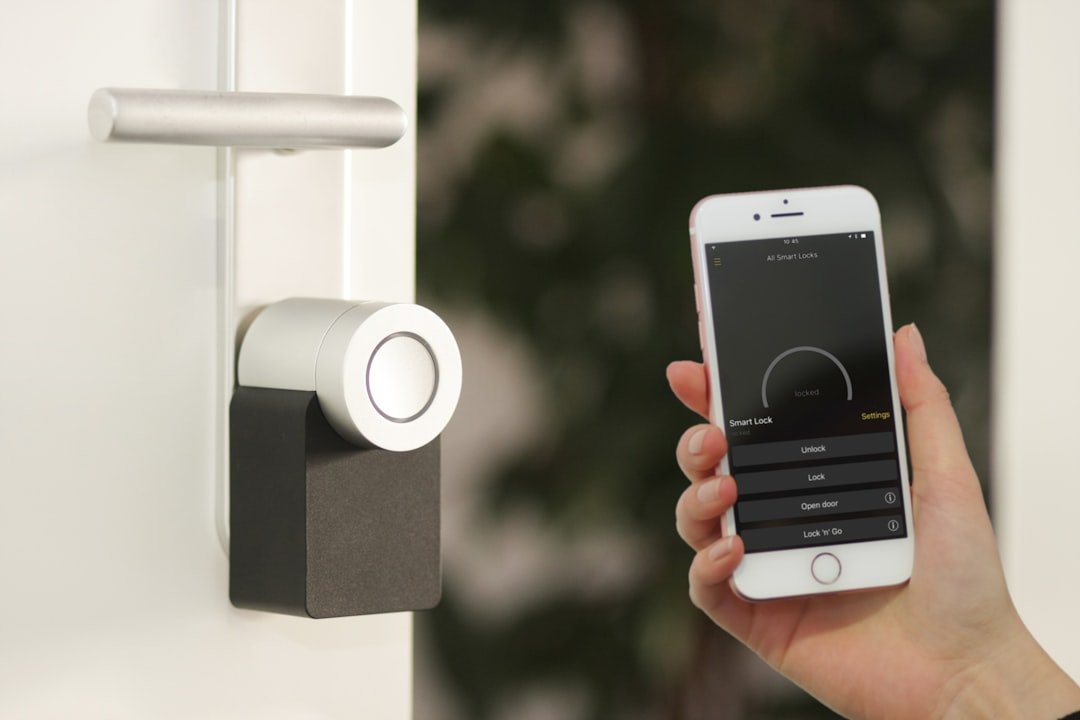
In today’s home transactions, what’s handed over at closing is no longer just physical keys. As smart locks, security cameras, smart doorbells, thermostats, and garage door controllers become more common, smart device accounts and digital access should also be treated as part of the closing process.
If these devices aren’t properly disconnected, reset, and transferred, the seller may retain remote access after closing — while the buyer may face privacy, security, and usability problems.
Common Smart Home Devices That Need Transferring
- Smart locks
- Security cameras
- Smart doorbells
- Smart thermostats
- Garage door controllers
- Smart lighting systems
- Automatic sprinkler systems
- Home audio/video entertainment equipment
- Whole-home smart control hubs
What Should Sellers Complete Before Closing?
- Confirm which smart devices will stay in the home and transfer with it
- Delete personal data and old users from the devices
- Disconnect links to personal email, Apple/Google accounts, or cloud services
- Perform a factory reset according to the manufacturer’s instructions
- Confirm that mobile apps and online management platforms can no longer control the devices remotely
A simple principle: if you wouldn’t let the seller keep a physical key to the house after closing, you shouldn’t let the seller keep the digital keys to the smart devices either.
What Should Buyers Do Immediately After Closing?
- Set up your own device accounts
- Create brand-new passwords — don’t reuse the previous owner’s login information
- Avoid passwords that use the address, house number, or anything easy to guess
- Re-confirm the authorized users for cameras, locks, and garage doors
- If the devices support two-step verification, turn it on as well
Put Smart Devices on the Closing Checklist Before Listing
When listing a home, I recommend sellers first take inventory of smart devices and clearly document which ones will transfer with the home. Beyond the devices themselves, it’s also helpful to organize user manuals, warranty documents, related app names, and device registration information in advance.
If certain devices require the manufacturer to complete an ownership transfer, it’s best to confirm the process before closing — so the buyer doesn’t discover after moving in that a device is locked to the old account, can’t be re-registered, or has an interrupted subscription.
Technology Is Now Part of the Home
In modern real estate transactions, smart home devices are no longer just add-on accessories. Properly completing the disconnect, reset, and transfer reduces privacy and security risks — and lets the buyer truly receive a complete set of working home equipment.
If you’re preparing to buy or sell in Greater Phoenix and the home has multiple smart home devices, adding digital access to the confirmation checklist before closing will give you more peace of mind than dealing with it afterward.
This article provides general real estate information and transaction process reminders, and does not constitute legal, cybersecurity, or technical advice. Transfer methods may differ by brand and service platform — please follow the manufacturer’s instructions or the advice of relevant professionals for actual operation.
A real estate advisor who understands homes — and who understands the value of real estate investment.


